

JFK · New York
USA
Tell us your travel dates and we'll help you look at eSIM options for USA.
Ask about USATRAVEL SERVICES
Your Connection, Ready Before You Travel
Avoid the hassle of searching for a physical SIM after you arrive.
With an eSIM, you can get mobile data for your destination without changing your physical SIM card.
01HOW IT WORKS
Check your destination, choose your plan, and stay connected while you travel.
Check your destination
Make sure your plan covers the place you're travelling to.
02WHY eSIM
With a physical travel SIM, getting online starts after you land. With an eSIM, most of the work is done before you leave home.
Physical travel SIM
At home
Nothing to set up before you fly
After you land
Travel eSIM
At home
After you land
Your physical SIM stays in your phone, so your home number can stay active for calls and texts if you choose.
03USE CASES
Whatever brings you abroad, a data connection makes the first days easier.
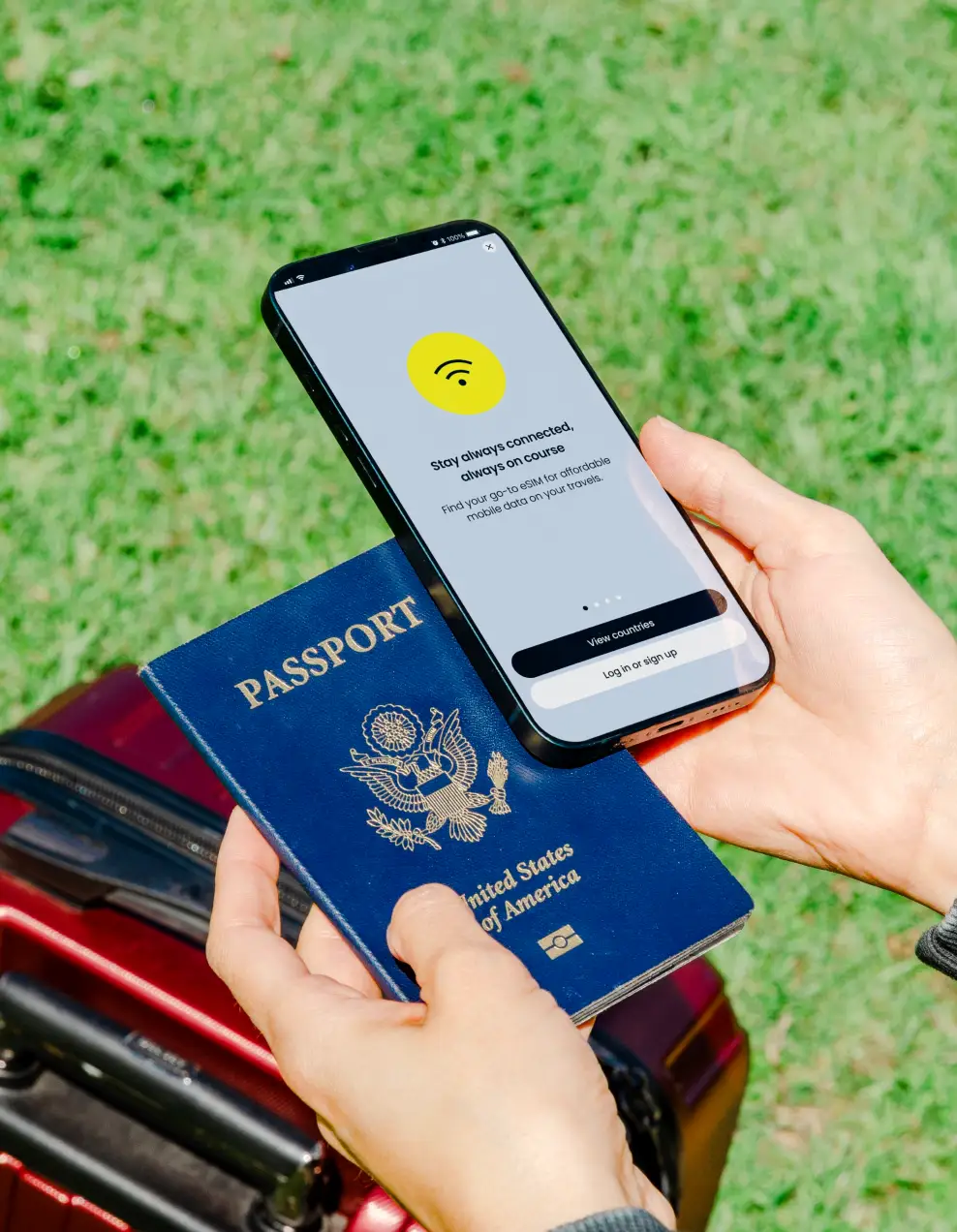
Your connection travels with you.
Travel
Maps, messages and bookings from the moment you land.
Business trips
Stay reachable for email, calls and meetings on the move.
Study abroad
Get online in your first days, before you set up a local plan.
International relocation
Stay connected while you settle into your new home.
Short stays
Data for a short visit, without a long-term contract.
Long stays
Keep a data connection for longer trips abroad.
04SET UP
You usually install your eSIM before you travel, then switch it on when you arrive. Follow the instructions that come with your plan.
Menu names vary by phone model and software version.
05COMPATIBILITY
06DATA GUIDE
Some things use very little data, others use a lot. Choose a plan with your trip in mind.
A general guide. Actual usage depends on your apps, settings, and video quality.
Good to know
07DESTINATIONS
Pick where you're going and send us your plans. We'll help you look at eSIM options for that destination.
Coverage, availability, and device compatibility depend on the provider, the plan, and your device.
JFK · New York
USA
Tell us your travel dates and we'll help you look at eSIM options for USA.
Ask about USAYes, if your device supports eSIM and the selected eSIM plan covers your destination.
08QUESTIONS
What is an eSIM?
An eSIM is a digital SIM built into a compatible device. It can allow you to connect to a mobile network without using a physical SIM card.
Can I use an eSIM while traveling?
Yes, if your device supports eSIM and the selected eSIM plan covers your destination.
Will I keep my phone number?
Your physical SIM stays in your phone, so your home number can stay active for calls and texts if you choose. The travel eSIM is used for mobile data.
When should I install my eSIM?
Install it before you travel, ideally on Wi-Fi, then switch it on when you arrive.
Do messaging apps work with an eSIM?
Apps that use a data connection, such as messaging and maps, use your travel eSIM's mobile data.
What if my phone doesn't support eSIM?
Tell us about your trip and we'll help you understand the options for staying connected.
How do I start?
Simply contact VISA10 and tell us about your plans. Our team can help you understand the next steps.